Application Overview
Supported AI applications and integration solutions
📖 Platform Overview
OpenRely API is natively compatible with a variety of popular AI coding editors, desktop clients, CLI terminal agents, translation tools, and automated development frameworks. Below is the list of verified supported applications and detailed integration guides.
🛠️ Code Editors & IDEs (IDE & Extensions)
Native AI coding environments and intelligent editing extensions built for developers:

Native code editor built for AI programming

Open-source autonomous coding agent extension for VS Code

Open-source coding assistant for VS Code and JetBrains
💻 Terminal Agents (CLI)
AI coding assistants and workflow agents running in the command-line environment:

Anthropic's official terminal coding agent

Terminal code assistant for OpenAI code models

Factory AI's official automated coding agent

Open-source self-hosted multi-channel AI assistant platform

Open-source autonomous agent system by Nous Research
🖥️ Desktop & Web Clients
AI desktop applications, chat panels, and model workbenches with graphical user interfaces:

Open-source multi-model full-featured desktop AI client

Open-source lightweight cross-platform web and desktop client

Established open-source cross-platform desktop AI chat tool

Open-source quick switcher for model endpoints and APIs

Open-source full-featured AI agent desktop client

Open-source desktop-grade AI Cowork collaboration platform

Open-source local-first desktop AI workbench
🌐 Reading & Translation Tools
Essential tools for high-frequency foreign language reading, bilingual parallel typesetting, and word selection translation:

Bilingual web and document translation trusted by tens of millions of users
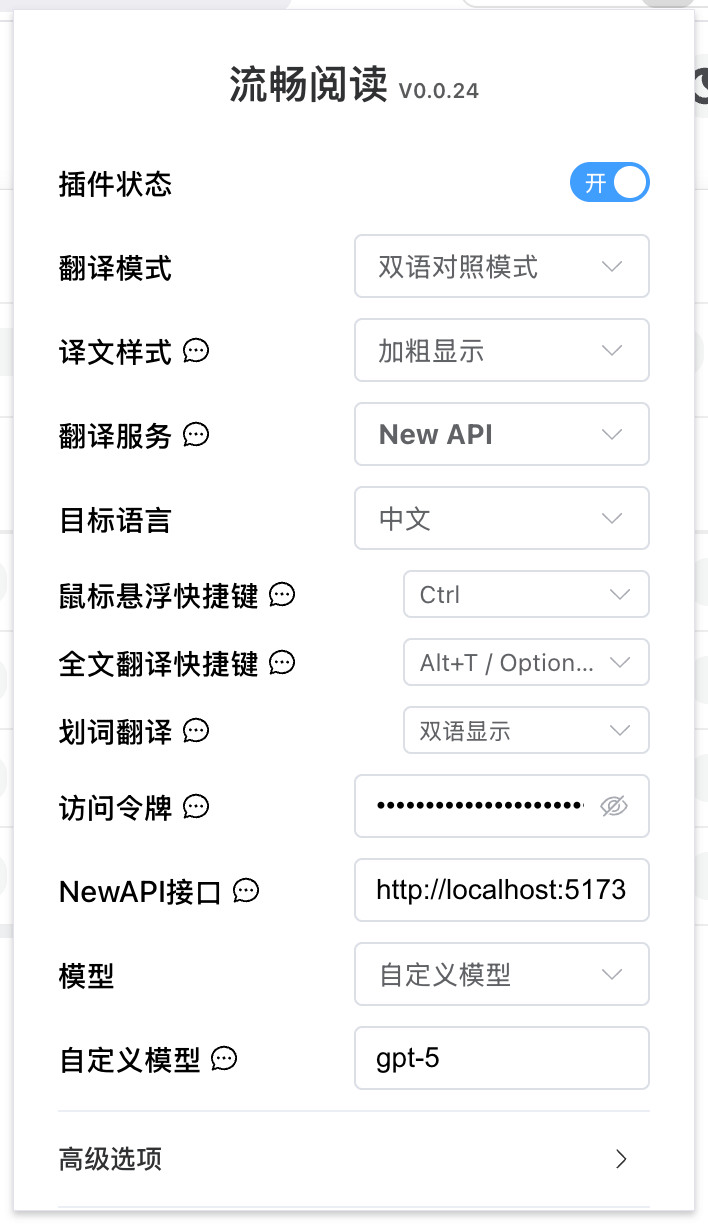
Open-source immersive smart reading and translation assistant

Open-source multi-source translation tool for games and desktop screens
🤖 Agents & Workflow Development
Visual orchestration, multi-channel bot frameworks, and automated agent systems:

Open-source visual LLM application orchestration platform

Open-source containerized self-hosted AI agent platform

Open-source multi-channel LLM bot framework

Open-source all-in-one AI agent bot framework
🌐 Universal Protocol Integration
Regardless of the underlying standard your client is built upon, you can seamlessly connect via the following three major protocols:

Most common standard, supporting /v1/chat/completions and responses

Anthropic native Messages protocol and authentication specifications

Google Gemini native REST API and GenAI SDK
🚀 Quick Integration Guide
Most applications require only the following three core configuration settings to connect to OpenRely API:
- API Endpoint: OpenRely API service endpoint (
https://api.openrely.ai/v1) - API Key: Generated in the OpenRely console 🔑 Get API Key
- Model Name: Select the model you want to use
First time here? Please refer to 🔑 Get API Key to prepare your credentials; for specific client configuration steps, click on the corresponding application card above to view the detailed guide.
Was this page helpful?
⚡ Using API & Playground
Experience and test AI models online with the Playground, and make seamless API calls via OpenAI / Anthropic / Gemini standard-compatible endpoints.
Get API Key
Learn how to create, manage, and copy API keys and service endpoints in the OpenRely Console before integrating and configuring various AI applications and clients.